

Plan at your desk
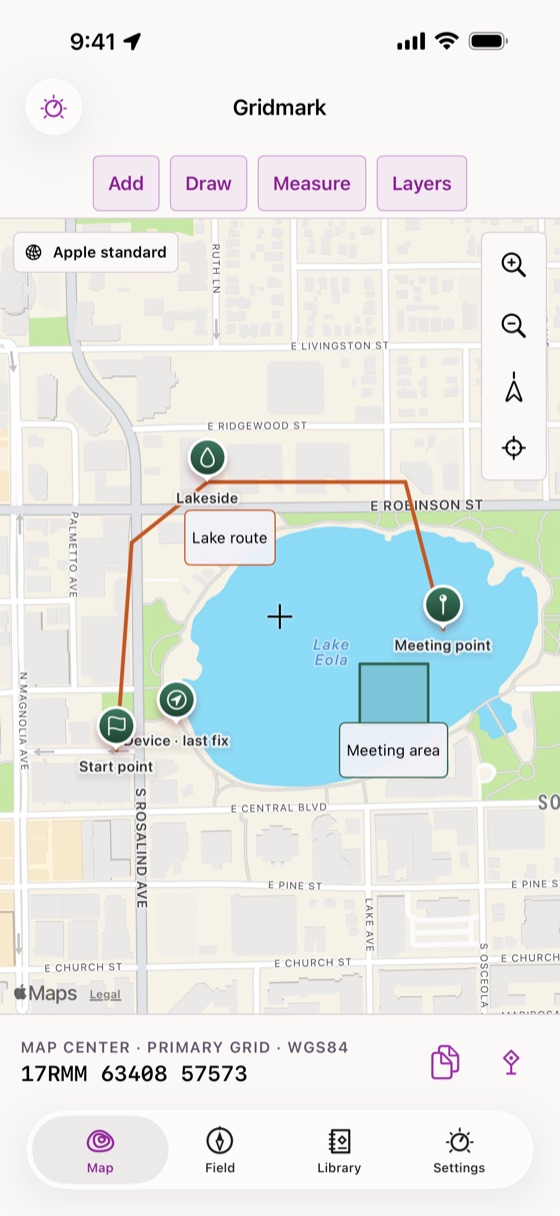
- Enter points as MGRS, USNG, UTM or latitude and longitude, and copy any grid in the format you need.
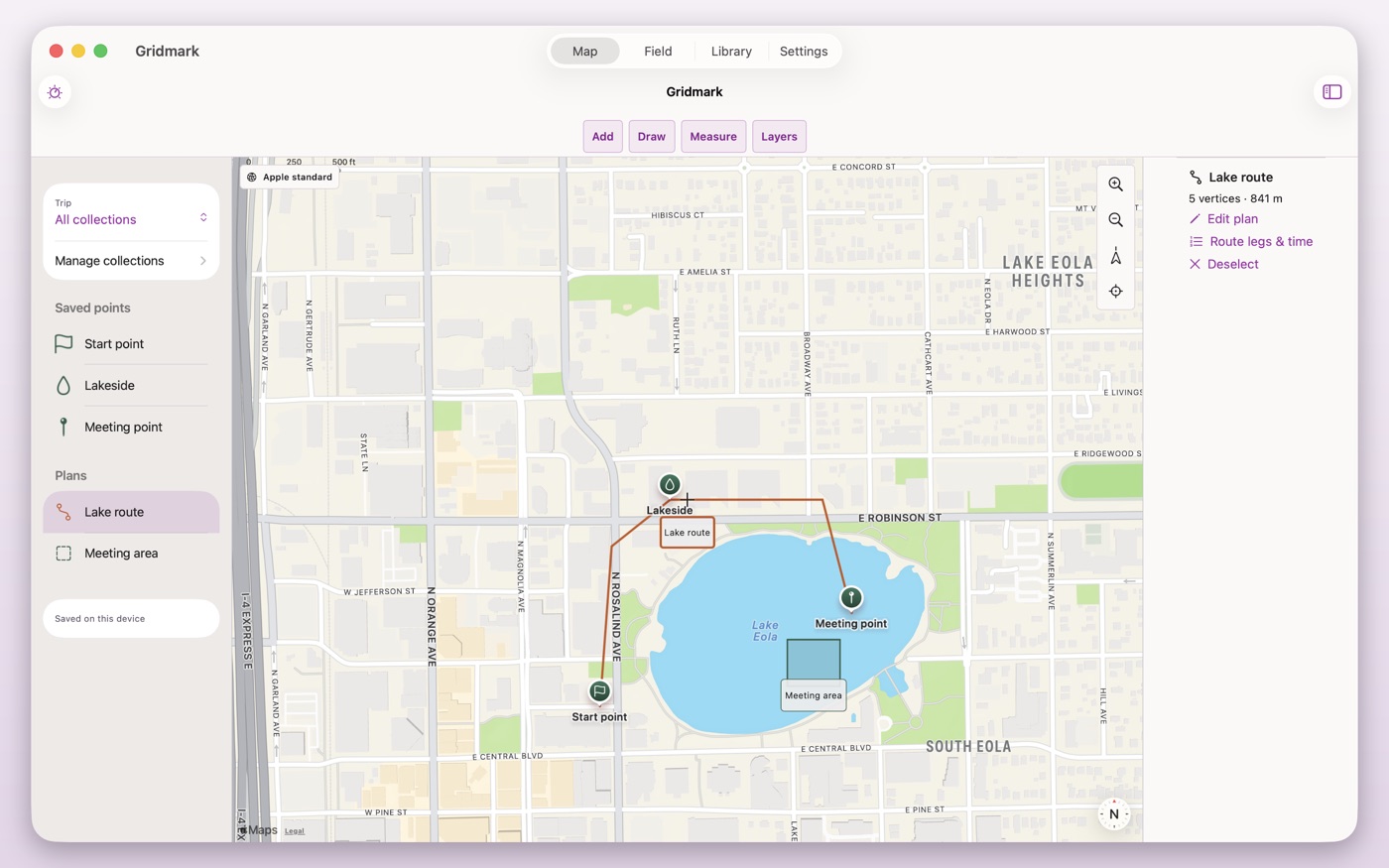
- Build routes with legs, distances and azimuths, with magnetic or grid north and the declination shown.
- Draw lines and areas, group points into trips and mark them with clear symbols, including a supported set of military unit symbols.
Know what works offline
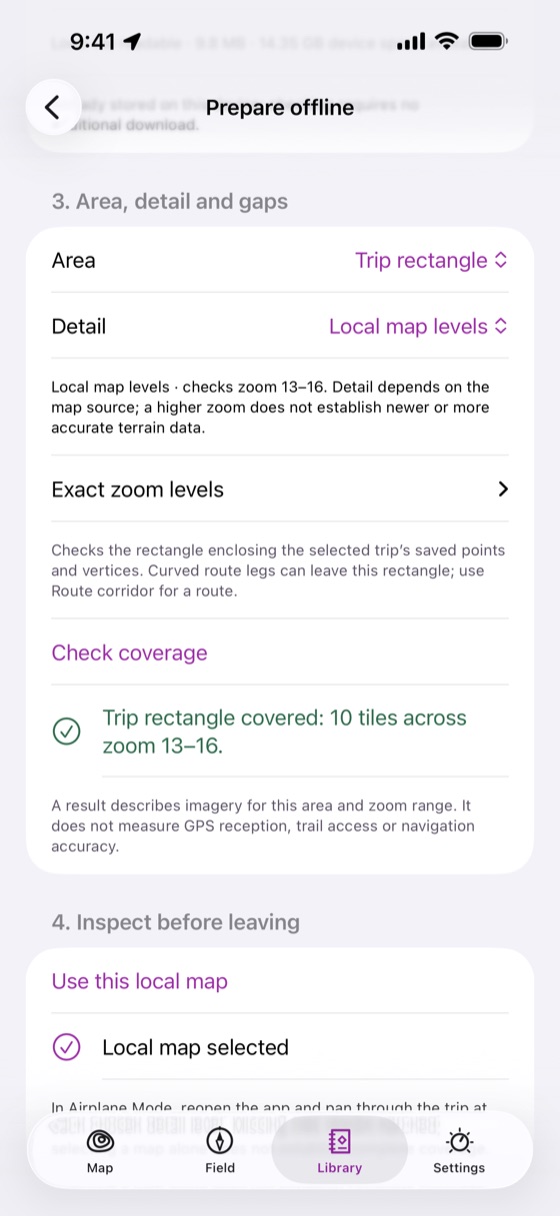
- See which parts of a trip have offline map coverage before you leave.
- Download USGS topographic, aerial and shaded-relief maps for small areas in the United States.
- Import your own maps anywhere: MBTiles, georeferenced PDF and GeoTIFF.
- Download Forest Service trails for offline routing between your points.
Use it in the field
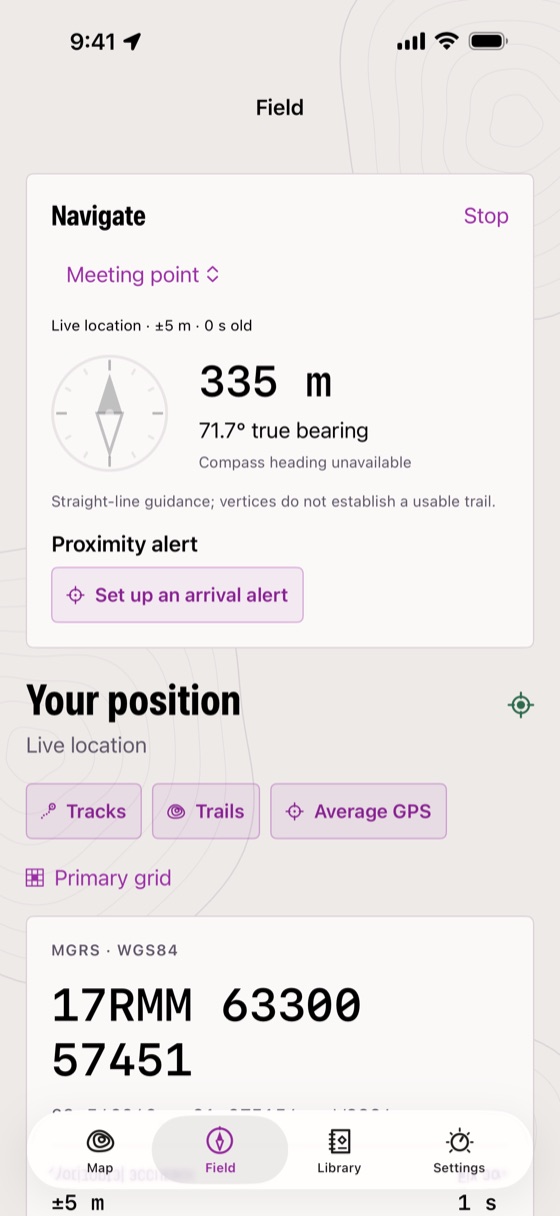
- Navigate to a point or along a route with distance, bearing and progress in a compact panel.
- Save your position with one tap, or average several fresh GPS readings.
- Record tracks in the background, then retrace them or turn them into a route.
- Add photos and notes to points.
Grids on your wrist
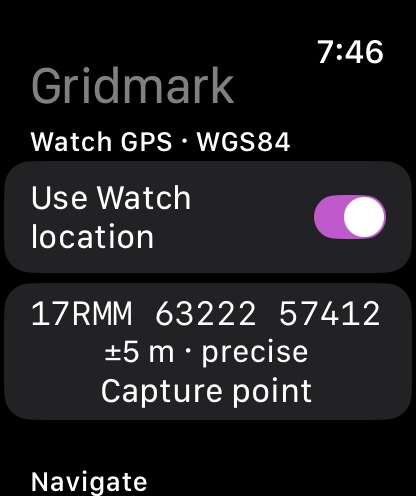
Enter a full grid on Apple Watch, navigate to it with the Watch's own location and heading, and capture points to review on your iPhone later.
A bigger desk on the Mac
Plan with a sidebar and inspector on iPad and Mac, then take the same plan into the field on iPhone. The Mac version is coming soon and is included in the same purchase.
One purchase. No account.
- One purchase, no subscription. Family Sharing is included.
- No analytics and no tracking. Plans stay on your devices and, if you turn sync on, in your own iCloud.
- Gridmark contacts USGS and Forest Service servers only when you ask it to download maps, trails or elevations.
Gridmark is a navigation aid. Always carry a map and compass, and check your position against the ground. GPS accuracy depends on your device and surroundings.