See it in action
Two short tours
Recorded in Chaptermark 1.0 on iPhone and iPad, with public-domain classics.
The full tour
Adding books, chapters, the player, the library, iCloud sync and iPad.
More of Chaptermark
Listeners, sound, smart rewind, splitting and merging, covers and the next book in a series.
Pressing play loads the video from YouTube (youtube-nocookie.com); until then this page doesn't contact YouTube. The narration is a synthetic voice, and captions are on YouTube. All Chaptermark videos on YouTube.
What it does
Made for the books you already have
Books set up right
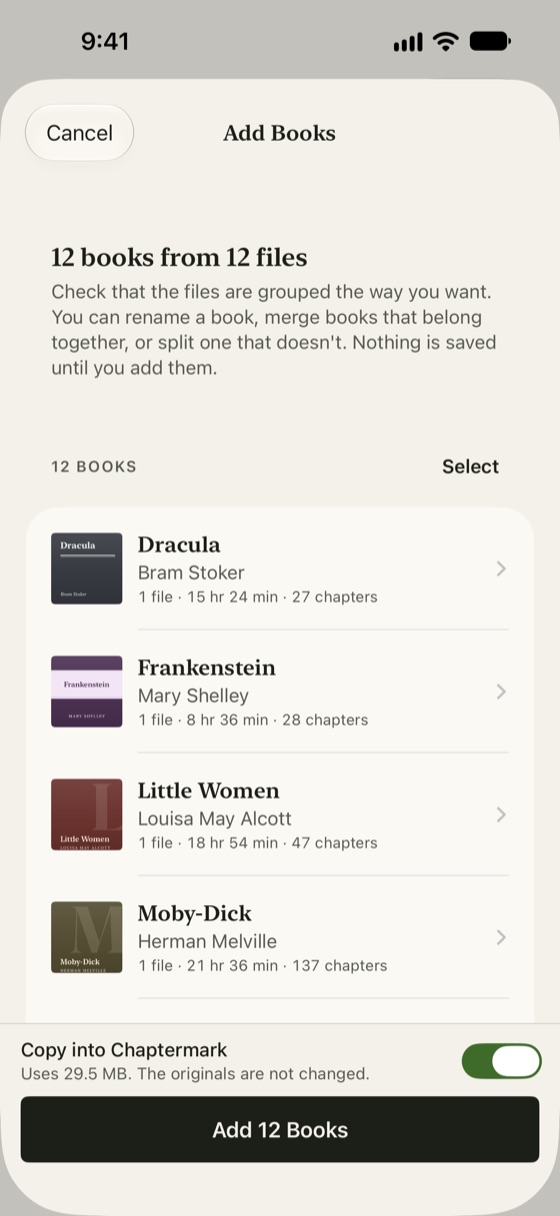
Before anything is saved, see how your files will be grouped into books, then merge, split, rename and reorder until it's right.
- Add books from Files, iCloud Drive or AirDrop, including folders and zip archives, or copy them from your computer with Finder.
- Edit titles, authors, narrators and covers, or look details up in the Open Library catalogue.
Chapters read from the file
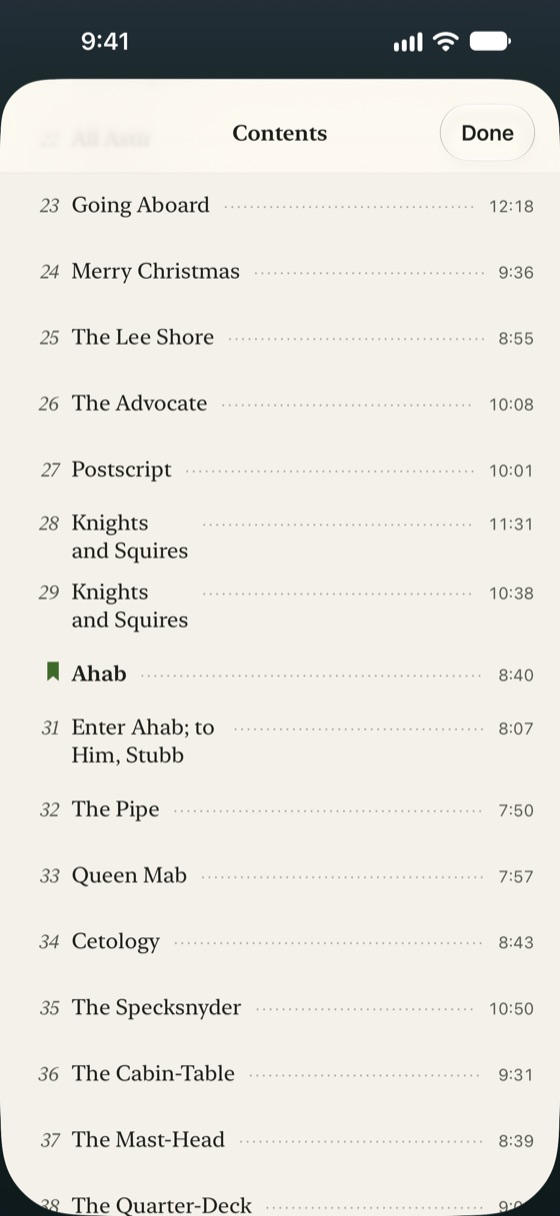
Chapters come from M4B, M4A and MP3 files, including MP3 chapter tags that other players miss. A book in many files becomes one book with one chapter per file.
- Rename chapters, add them, or move where one starts.
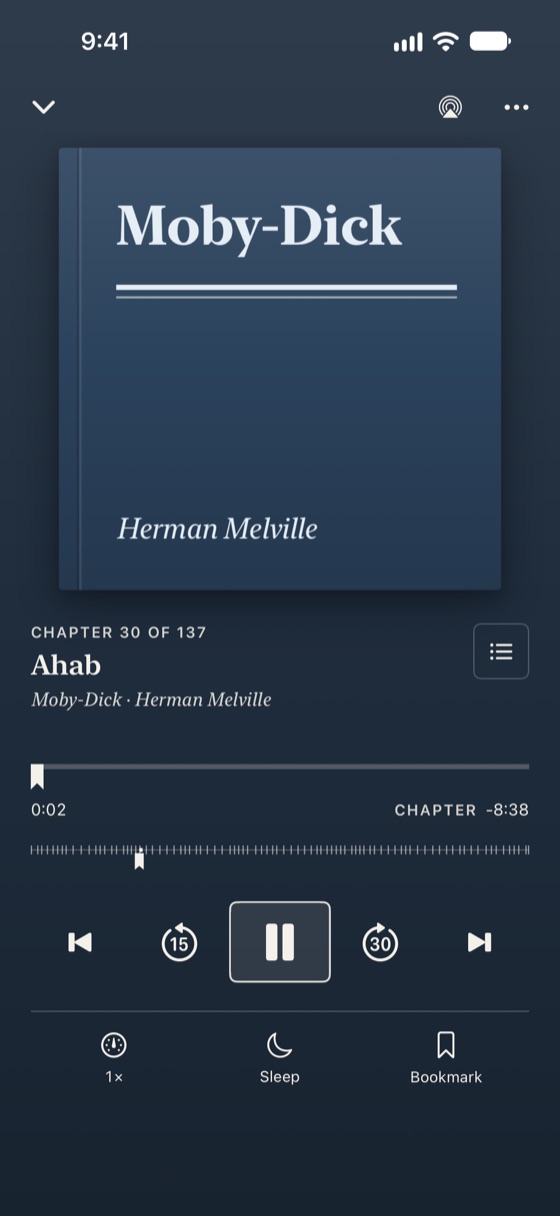
- Bookmarks with notes, and the time left in the chapter or the whole book.
Listening, the way you like it
- Speed from 0.5× to 3.5×, remembered for each book.
- Skip intervals you choose, and a smart rewind that steps back further the longer you were away.
- A sleep timer that fades out gently, can stop at the end of a chapter, and adds time when you shake your phone.
- Skip silence and voice boost.
- Lock Screen, headphone and Bluetooth controls, and AirPlay.
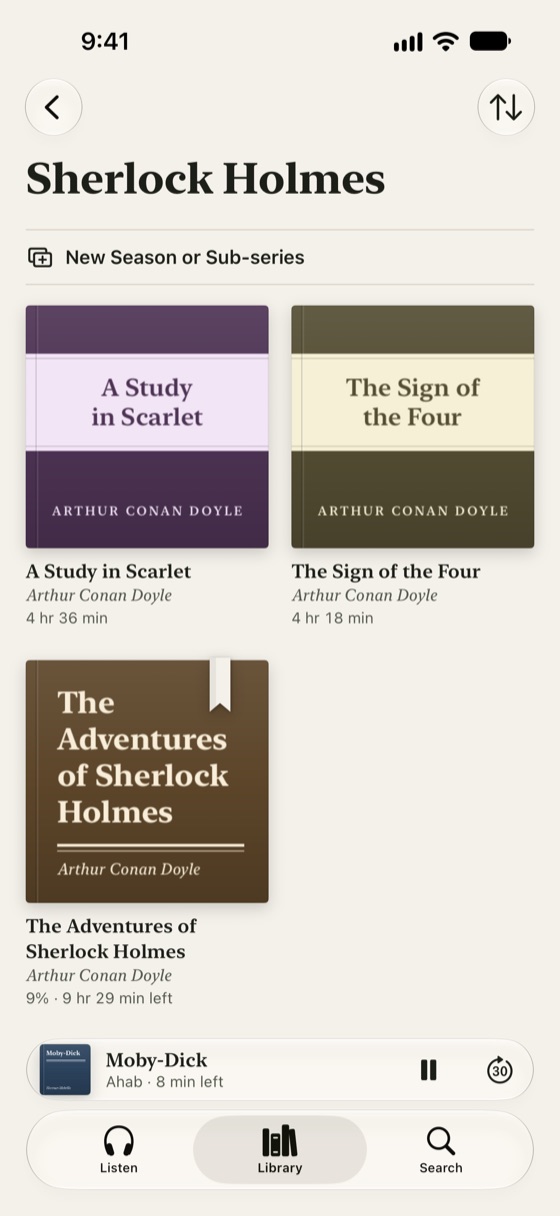
A library that stays put
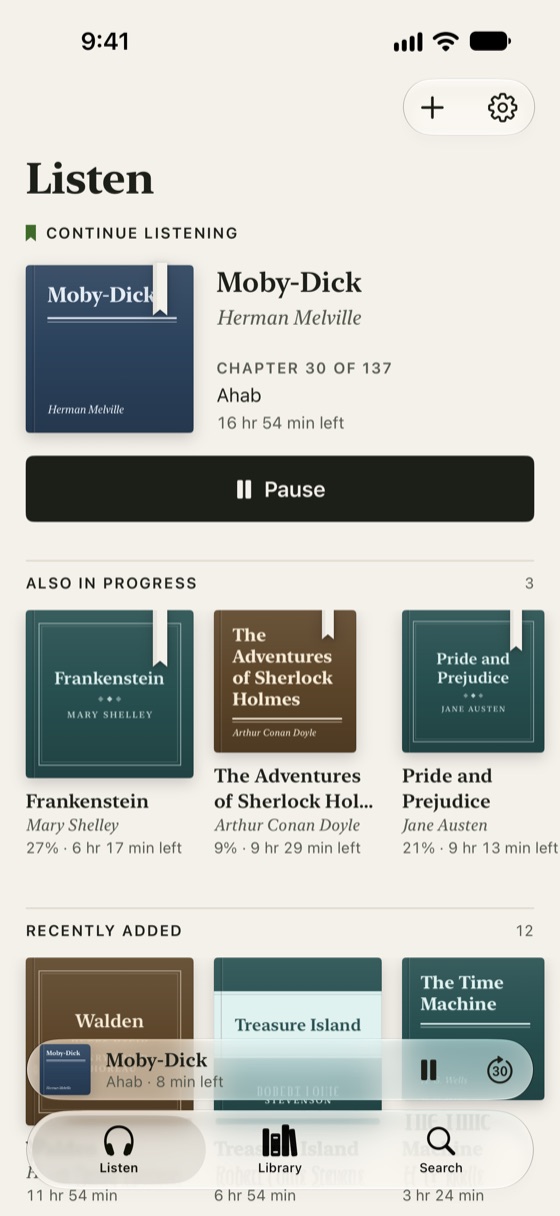
- Folders, collections and series, including seasons inside a series. When a book in a series ends, the next one is a tap away.
- Sorting is remembered for every view. Search by title, author or narrator.
- Listeners: on a shared iPad, everyone keeps their own place and bookmarks.
- Your listening at a glance: this week, days in a row and the books you spent the most time with.
On every Apple device you listen on
- iPhone and iPad, with a sidebar and multiple windows on iPad.
- iCloud sync of your place, bookmarks, notes, speeds and listening time, in your own iCloud account. Audio files stay on each device.
- Widgets, a Live Activity on the Lock Screen and in the Dynamic Island, a Control Center control, and Siri and Shortcuts.
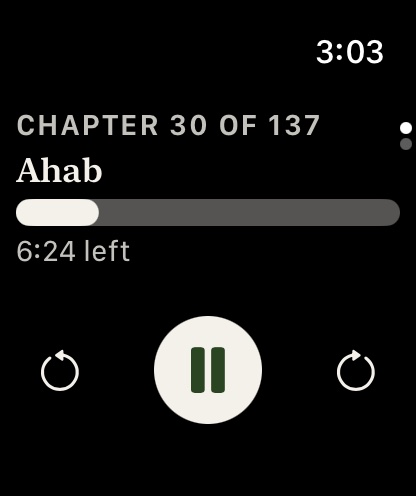
- An Apple Watch remote for what's playing on your iPhone.
Never empty
Free classics included
A shelf of free classics read by LibriVox volunteers comes with the app. A book downloads only when you choose it.
A deal you can trust
One price, everything
$4.99 in the US. No subscription, no ads, no account, no tracking. Export your whole library, places, bookmarks and notes to one open file, and bring it back anytime.
Good to know
What it doesn't play
Copy-protected books, such as Audible titles and older iTunes Store purchases (M4P), play only in the app of the shop that sold them. That's a restriction in the files, so Chaptermark can't play them.
Chaptermark
Your M4B and MP3 books, offline, with the chapters right.
Questions first? See Chaptermark support or write to support@tempore.net.
 For iPhone and iPad, with an Apple Watch remote.